Every value on a dial
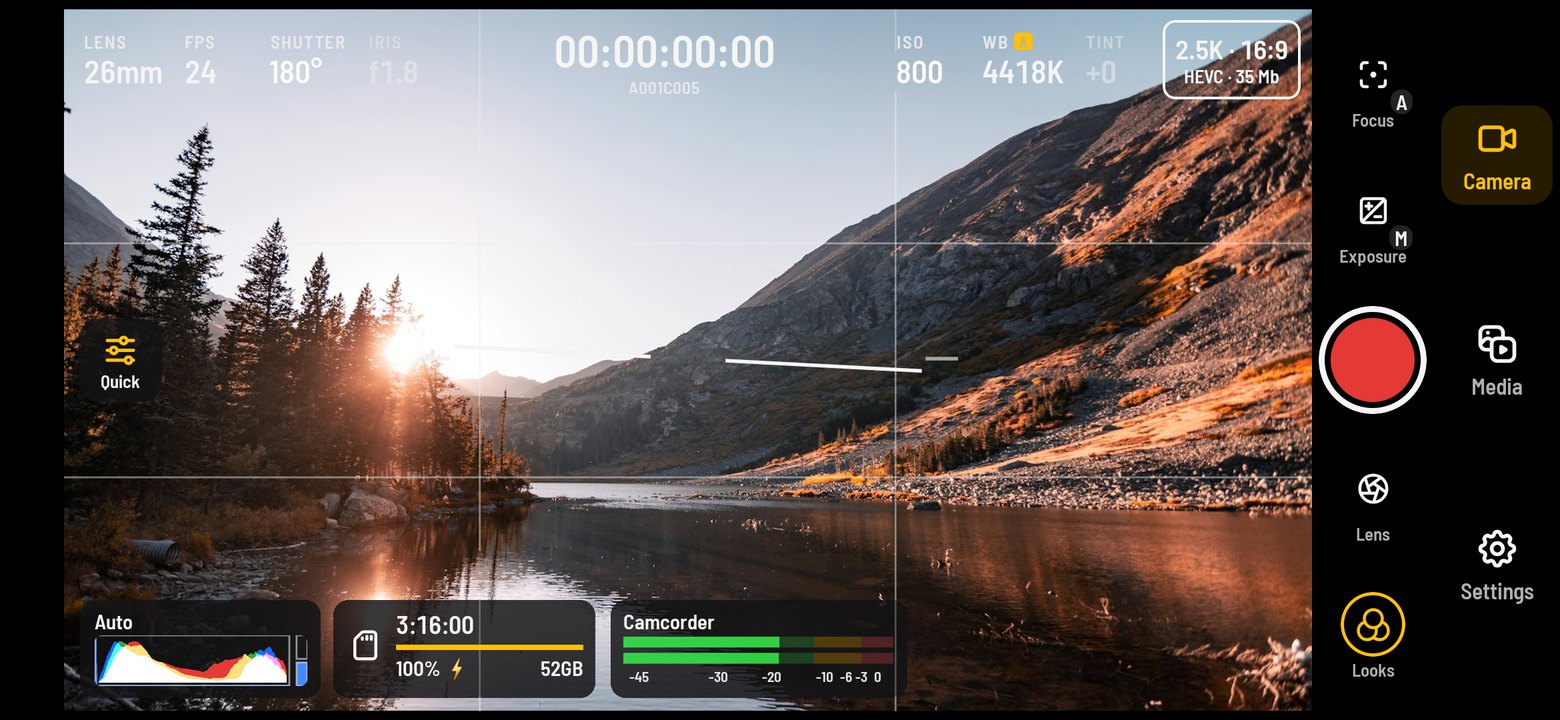
Lens, frame rate, shutter, ISO, white balance and tint sit in one row. Touch a value and a dial opens under your thumb — no menus between you and the picture.
 CineCam
Get the app
Pro video camera app · Android
CineCam is a manual video camera app for Android. Every value on a dial, Log and 10-bit, LUTs, scopes, slate and timecode — it starts automatic, and the moment you touch a value, it is yours.
One take, four steps
Lens, frame rate, shutter, ISO, white balance and tint sit in one row. Touch a value and a dial opens under your thumb — no menus between you and the picture.
RGB histogram, waveform, zebra, false colour, focus peaking, grid and a horizon level that turns green when you are straight.
Slide through the look wheel and record the look into the clip — or shoot a Log curve and grade it in the edit with a matching technical LUT.
Cinema clip names, slate and timecode in every file. The file stays playable at every moment, even if a take is cut short.
Wherever the shot is



Screenshots
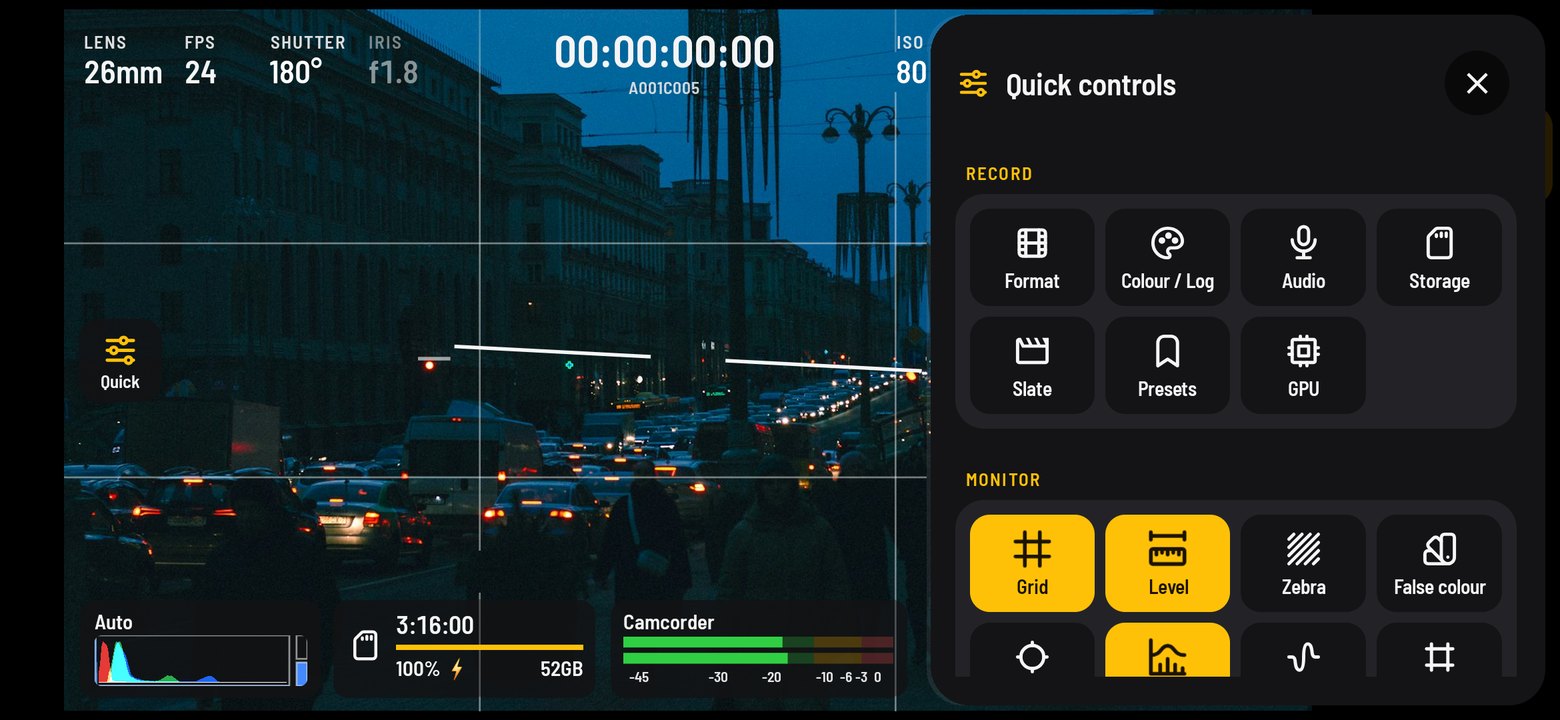
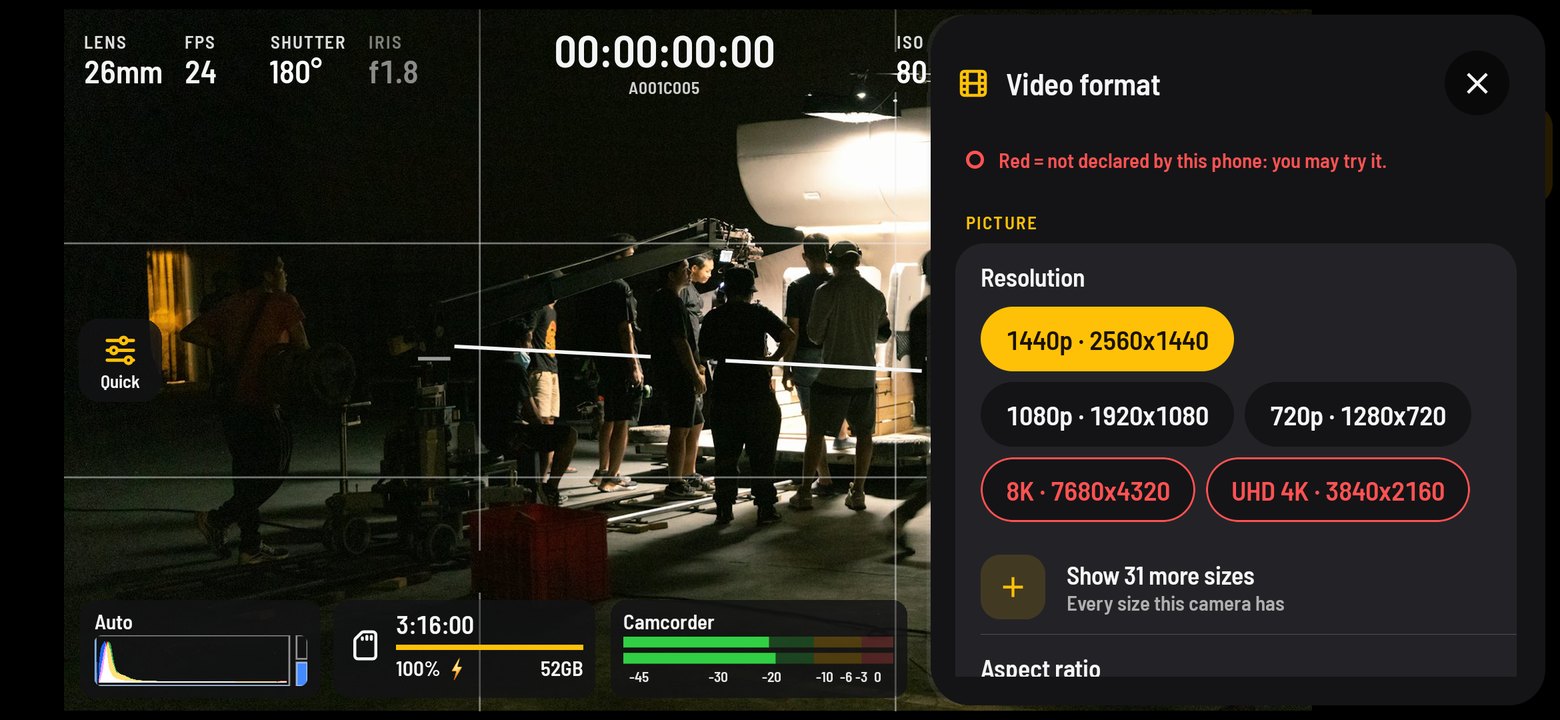
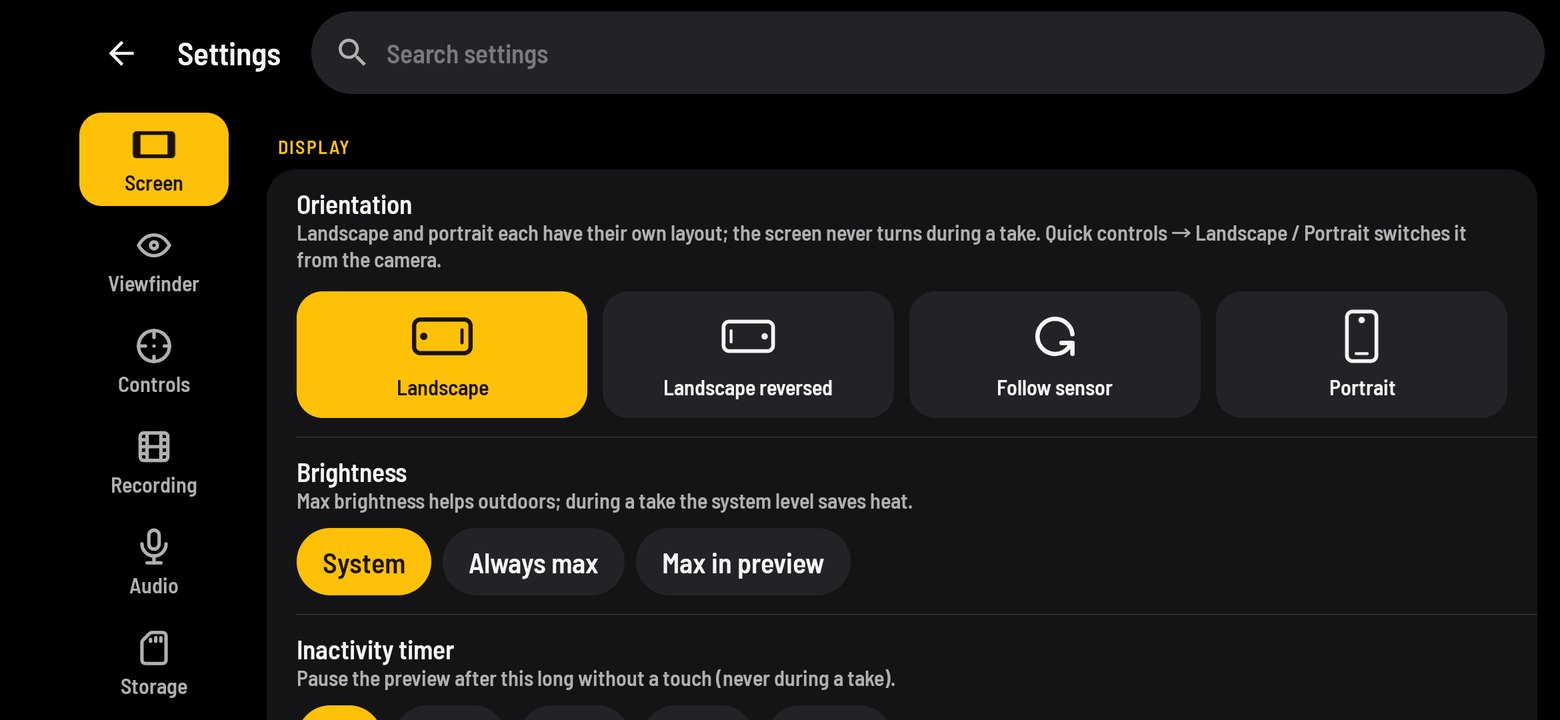
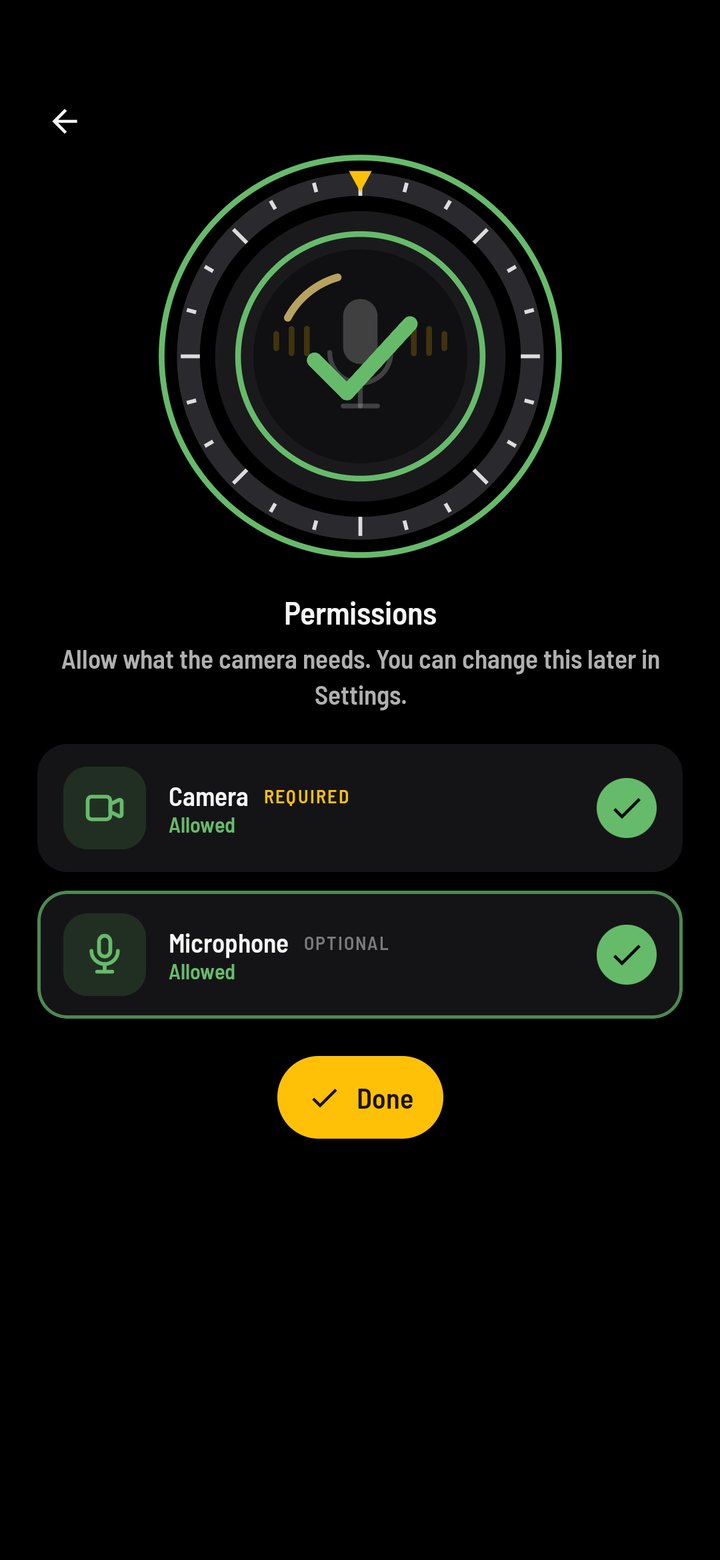
Real screens from CineCam. The picture in the viewfinder is a sample photo.
Built for people who shoot for a living
Focus, zoom, shutter angle, ISO, white balance in kelvin and tint. A long-press locks exposure and focus where you tapped.
27 tone curves — Log, HLG and PQ — with gamut choice and a curve graph. 10-bit HEVC where the phone has it; unsupported choices are marked in red, never hidden.
Histogram, waveform, RGB parade and vectorscope, always measured before the look, so they tell the truth about the recording.
26 built-in looks and your own .cube files. Monitor only, or baked into the clip — your choice per take.
Gain, limiter and meters; a broadcast WAV beside the clip; LTC timecode in from an audio channel for multi-camera days.
Reel and clip names like A001C003, scene / shot / take, good-take marks and notes — written into the file and the media list.
Desqueeze from 1.25× to 2×, frame lines for your delivery aspect, safe areas, nine grids and a calibrated horizon.
Clips, pictures and sound never leave the phone. Anonymous usage and crash reports can be switched off in Settings.
Look wheel
In the app you slide the wheel under a fixed yellow frame. Here, the page does it for you.
On the record
What a phone can do depends on its camera and encoder. CineCam shows what this phone declares and lets you try the rest — marked in red.
Questions
CineCam is a manual cinema camera app for Android. It gives you dials for lens, frame rate, shutter angle, ISO, white balance and tint, records Log and 10-bit video, and adds scopes, looks, slate and timecode for professional video work.
Yes, where the phone's camera and encoder support it. CineCam offers 27 tone curves including Log, HLG and PQ, and 10-bit HEVC. Options your phone does not declare are shown in red, so you can still try them.
Yes. It has 26 built-in looks and imports your own .cube LUT files. You can monitor a look only or record it into the clip, and LUT Lab builds a technical LUT that matches the Log curve you shot.
An RGB histogram, waveform, RGB parade and vectorscope, zebra, false colour, focus peaking, grids, frame lines and a horizon level you can calibrate. The scopes read the picture before the look.
Yes. You can teach any gimbal, remote or game-pad button an action such as record, focus or zoom, and record from internal, wired, USB or Bluetooth microphones with meters, gain and a limiter.
No. Clips, pictures and sound stay on your phone. The app sends only anonymous usage statistics and crash reports, which you can switch off in Settings.
See the Support page for answers and contact, and the Privacy Policy for what the app collects.
CineCam for Android. Start automatic, take over one value at a time.
Get it onGoogle Play